
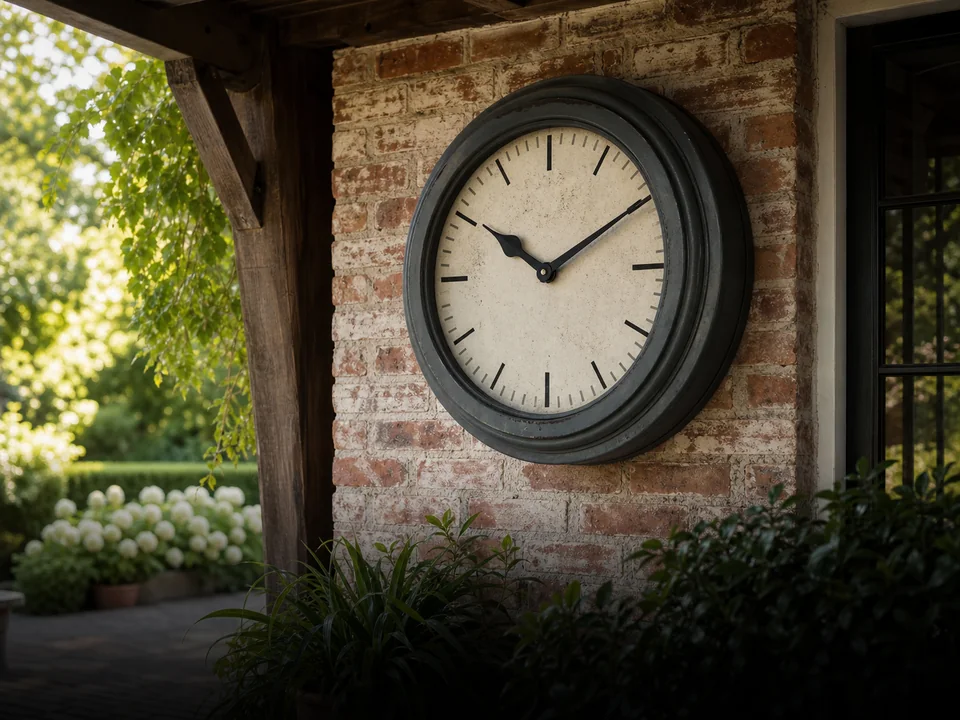
Outdoor Atomic Clock Setup: WWVB, Time Zones and Reception
To set up an outdoor atomic clock, confirm its model and WWVB receiver, follow its battery setup instructions, and select the correct time zone and daylight saving setting. Allow time for reception in a suitable location. For La Crosse 404-80017, use guide DC 032025 and the model-specific steps below.
Key takeaways
- Match the setup steps to model 404-80017 and guide DC 032025.
- WWVB reception uses radio, not a Wi-Fi connection.
- Check the selected time zone and daylight saving setting separately.
- Try a permitted receiving position and record the result.
- A later WWVB signal can replace a manual time setting.
Confirm the model and its time signal
A WWVB clock receives radio time without a Wi-Fi connection. Confirm that your clock is La Crosse 404-80017 before following the numbered procedures here.
, near Fort Collins, Colorado, broadcasts time information on a 60 kHz radio signal. The receiver in a compatible clock uses that information to correct its display. A router, Wi-Fi password or phone app is not part of this clock's WWVB setup.
The identify WWVB synchronization, an indoor/outdoor case, four time-zone choices and a manual setting option. Match the code on the clock to the guide before removing batteries or pressing controls. A similar case or brand name is not enough.
If your label says WT-3181PL-Q, use its manual quartz clock review. The WWVB setup steps below do not apply to that model.
Prepare the mounting spot
Choose a location that meets the clock's outdoor instructions and gives you access to its rear controls. Receiving the time signal does not establish that a location is suitable for rain, direct sun or water spray.
Check the location while you can still reach the clock easily. Record where it will hang, what shelters it, and whether you can remove it for battery replacement. Use the outdoor clock selection guide to compare exposure and maintenance needs, or the pool clock guide to check the viewing position from the water.
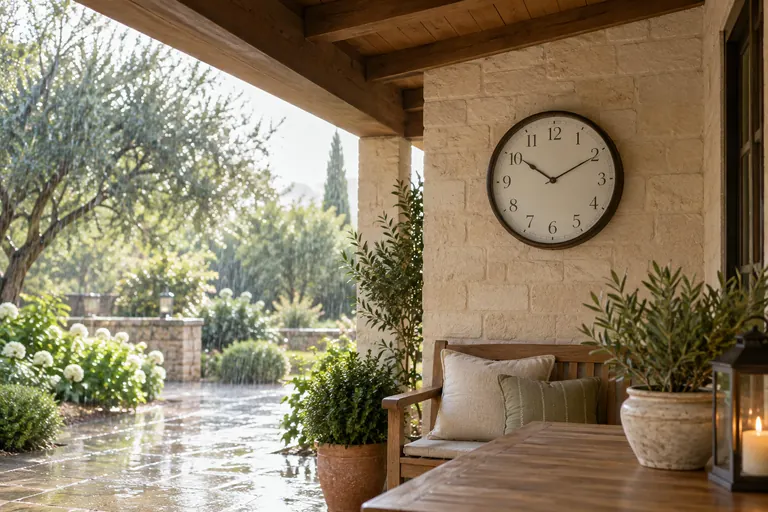
Start the 404-80017 and select your time zone
Follow the sequence in . The initial search comes before selecting the displayed local time.
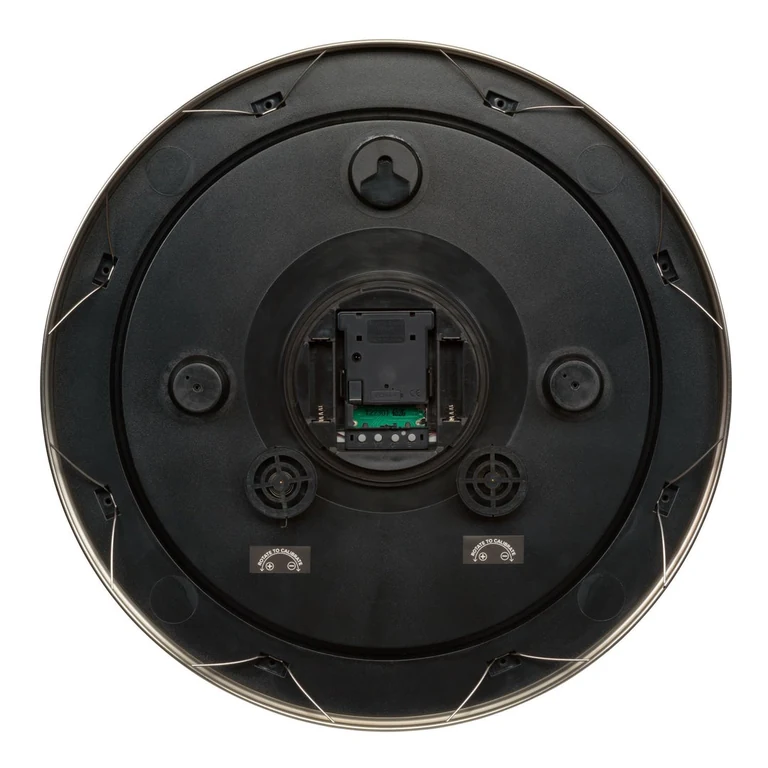
- Open the round cover counterclockwise. For the illustrated startup, install an AA in the movement and each side compartment, following the polarity marks.
- Wait while the hands park at 4, 8 or 12. The guide allows five nights for reception attempts.
- After reception, the clock initially shows Pacific time. Hold your Time Zone Button until the hands move.
- If your location does not observe DST, press the DST button once during that hand movement.
Start the 404-80017 and select your time zoneShow details
| Button | Time zone |
|---|---|
| PT | Pacific |
| MT | Mountain |
| CT | Central |
| ET | Eastern |
The specifications list one AA as required and two additional AA batteries as optional. The guide's startup example uses all three; it does not mean three are always required. Use matching alkaline batteries rather than a mixture of old and new cells.
Check daylight saving time separately
Select the correct time zone and DST setting for your location. The guide identifies DST as on by default.
identifies Hawaii, most of Arizona and several U.S. territories as places that do not observe DST; the Navajo Nation observes it. The 404-80017 lists Pacific, Mountain, Central and Eastern, so check regional compatibility before buying.
If the clock is exactly an hour wrong, compare its zone and DST settings with local time before treating the problem as a failing movement. After a seasonal change, also check reception: the WWVB broadcast carries DST information.
Improve reception with one change at a time
Try another permitted position before deciding the clock is defective. identifies electrical interference and metal shielding as possible obstacles.
- Try a wall or window facing toward Fort Collins.
- Move the clock away from nearby electronic equipment.
- Try a perpendicular wall; receiver orientation can matter.
- Allow an overnight check, when reception conditions can improve.
Keep a brief record of the position and displayed time before and after each trial. Changing one condition at a time makes the result easier to interpret. A successful trial at a window does not prove that the final mounting point will receive equally well.
If you suspect a broadcast interruption, consult the official station page and its outage links. Do not diagnose an outage from one clock's behavior.
Use the documented manual fallback
The 404-80017 can be set manually. Later WWVB reception can replace that setting, so manual adjustment is not a documented permanent radio-off mode.
- Take out every battery.
- Tap the Manual Set Tab 20 or more times; wait 15 minutes.
- Fit batteries in the side compartments, as this procedure specifies.
- Wait for the hands to stop at 4, 8 or 12.
- Keep the Manual Set Tab depressed until the dial shows the correct time.
The manual-setting section names the side compartments, unlike the initial startup. Follow that arrangement for this procedure. If your clock's compartments or controls differ, ask La Crosse for the instructions matching your unit.
Choose the next check from the symptom
Record what the clock does before repeating setup. A fixed hour offset, a changing error and stopped hands call for different checks.
Choose the next check from the symptomShow details
| Observation | Next step |
|---|---|
| The time is a whole hour off. | Recheck the selected zone and DST setting. |
| The error changes over several days. | Check batteries and whether reception has resumed. |
| The clock still does not operate after its documented setup. | Check battery polarity and contact manufacturer support with the model and symptoms. |
Save the model number, guide code, battery arrangement, observed error and locations tried. For stopped movements, dark lights or visible damage, continue with outdoor clock troubleshooting. Those details give manufacturer support a clear starting point.
Frequently Asked Questions
The receiver, power supply and local time settings are separate features. These answers apply to the documented 404-80017 setup.
Does an outdoor atomic clock need Wi-Fi?
A WWVB clock such as 404-80017 receives a broadcast radio signal. Its time correction does not require a Wi-Fi network or internet connection.
Does battery power mean the clock must be set by hand?
No. Battery power describes the energy source; the way a clock corrects its time is a separate feature. The battery-powered 404-80017 supports WWVB synchronization.
Can I use these steps for another La Crosse model?
Use the instructions matching the exact model on your clock. Similar dimensions or the same manufacturer do not establish identical controls or timekeeping features.
Does switching off DST let me use any U.S. time zone?
No. The 404-80017 lists Pacific, Mountain, Central and Eastern time zones. Disabling daylight saving time does not create an additional zone setting.
How should I record a reception problem?
Note the model, guide revision, battery arrangement, location and displayed error. Compare the result after one documented reception trial before changing another condition.
Can I permanently disable reception by setting the time manually?
The matching guide says future WWVB reception overrides a manual setting. It does not describe the manual procedure as a permanent way to disable reception.
Sources and Limits
Use guide DC 032025 for the model-specific controls and NIST for broadcast and reception guidance. This is a document-based setup guide; no reception trial is reported.
Documentation checked: .
How TOPCLOCKS labels documentation and hands-on evidence. Send a correction with the model and supporting source.